
DevOps for Web Developers: A Practical Introduction
You do not need to become a DevOps engineer, but understanding these concepts will make you a significantly more effective developer.
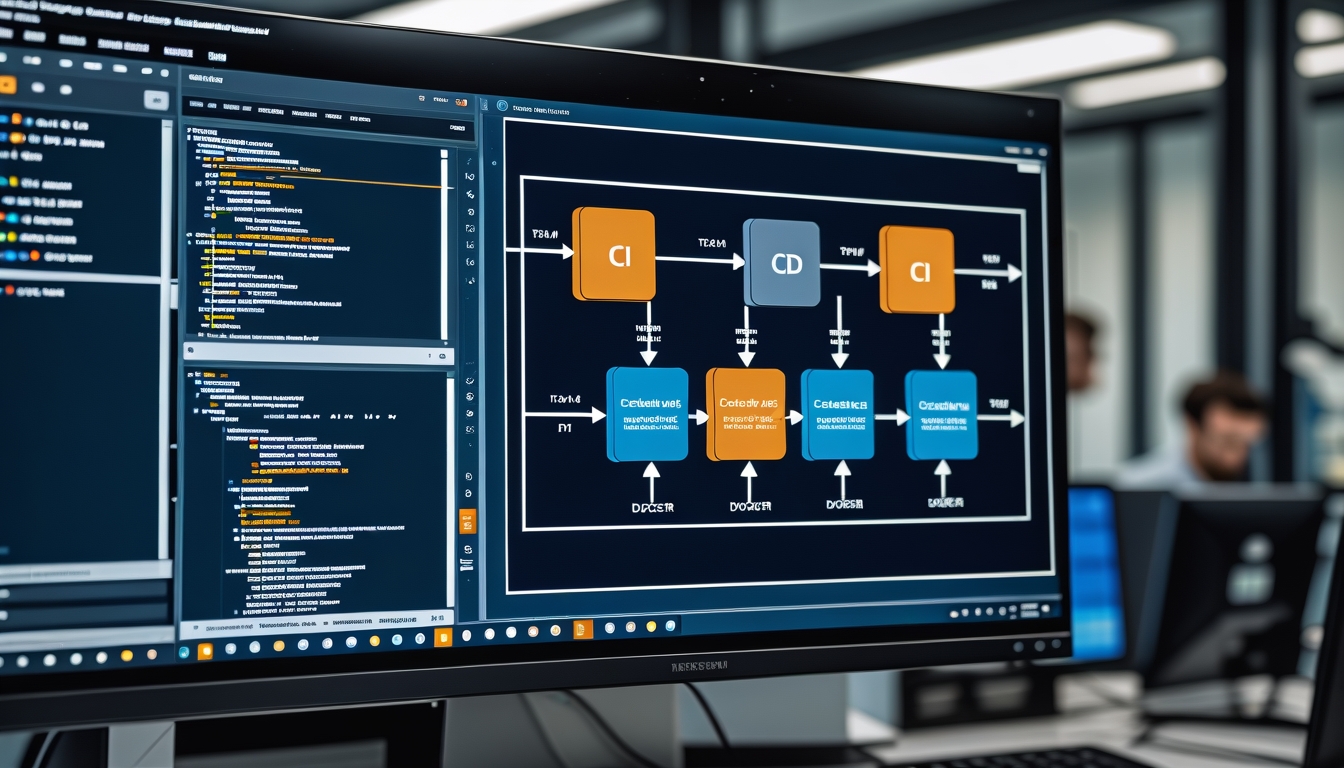
DevOps is one of those terms that means different things to different people. For some, it refers to a specific engineering role. For others, it is a set of practices around automation, collaboration, and continuous improvement. For web developers, DevOps knowledge is increasingly important regardless of your job title. Understanding how your code gets from your local machine to production, how it is monitored once it is running, and how to automate the repetitive parts of that process makes you a more effective developer and a more valuable team member. This article covers the DevOps concepts and tools that we believe every web developer should understand.
Containers and Docker
Containers solve one of the oldest problems in software development: the gap between development and production environments. A containerised application packages your code, its dependencies, and its runtime environment into a single unit that runs identically on your laptop, on a colleague's machine, on a staging server, and in production. Docker is the most widely used containerisation platform and understanding its fundamentals is essential for modern web development.
A Dockerfile describes how to build a container image for your application. It specifies the base operating system image, installs dependencies, copies your application code, and defines the command to start your application. Writing efficient Dockerfiles is a skill that improves with practice. Layer ordering matters because Docker caches layers, so putting infrequently changing steps like installing system packages before frequently changing steps like copying application code reduces build times significantly.
Docker Compose allows you to define multi-container applications, such as a web server, a database, and a cache, in a single file and start them all with one command. This is invaluable for local development, where you need several services running together. Your docker-compose.yml file becomes living documentation of your application's infrastructure requirements, making it easy for new team members to get a working development environment running in minutes rather than hours.
Multi-stage builds are a technique for creating smaller production images by separating the build environment from the runtime environment. Your first stage installs build tools and compiles your application. Your second stage copies only the compiled output into a minimal runtime image. For a Node.js application, this might reduce your image size from over a gigabyte to under two hundred megabytes, which speeds up deployments and reduces storage costs.
CI/CD Pipelines
Continuous Integration and Continuous Deployment automate the process of testing and deploying your code. A CI pipeline runs automatically whenever code is pushed to the repository. It typically checks out the code, installs dependencies, runs linters and type checks, executes the test suite, and builds the application. If any step fails, the pipeline fails and the team is notified immediately. This catches bugs and integration issues early, before they reach production.
Continuous Deployment extends CI by automatically deploying code that passes all pipeline checks to production. Continuous Delivery is a more conservative approach where code is automatically deployed to a staging environment but requires manual approval for production deployment. Which approach you choose depends on your team's confidence in your test suite and your tolerance for risk. Most teams we work with start with Continuous Delivery and move toward Continuous Deployment as their test coverage and confidence increase.
GitHub Actions, GitLab CI, and CircleCI are popular CI/CD platforms for web projects. The syntax and features vary, but the core concepts are the same. Define the events that trigger your pipeline, specify the steps to execute, and configure where to deploy successful builds. A good pipeline runs in under ten minutes. If your pipeline takes longer, look for opportunities to parallelise steps, cache dependencies, and skip unnecessary work. Slow pipelines discourage frequent commits and reduce the feedback loop that makes CI valuable.
Infrastructure as Code
Infrastructure as Code means managing your servers, networks, databases, and other infrastructure through configuration files rather than manual setup. Instead of clicking through a cloud provider's web console to create a server, you write a configuration file that describes the server you want, and a tool creates it for you. This approach is repeatable, version-controlled, and self-documenting. You can recreate your entire infrastructure from scratch by running a single command, which is invaluable for disaster recovery, creating staging environments, and onboarding new team members.
Terraform is the most widely used Infrastructure as Code tool, supporting all major cloud providers with a consistent syntax. You define resources in HCL (HashiCorp Configuration Language), run terraform plan to see what changes will be made, and run terraform apply to execute those changes. Terraform tracks the current state of your infrastructure, so it knows what needs to be created, modified, or destroyed to match your configuration.
For web developers who are not managing complex infrastructure, platform-specific tools like AWS CDK, Pulumi, or even simple deployment scripts can provide IaC benefits without the learning curve of Terraform. The key principle is that your infrastructure should be defined in code that lives in your repository alongside your application code, not in manual configurations that exist only in someone's memory or in a cloud provider's web console.
Environment Management
Managing configuration across different environments is a fundamental DevOps challenge. Your application needs different database credentials, API keys, and feature flags in development, staging, and production. The twelve-factor app methodology recommends storing configuration in environment variables, which keeps sensitive data out of your codebase and allows the same code to run in any environment with appropriate configuration.
Never commit secrets to your repository. Even if you delete them later, they remain in the git history and can be extracted. Use environment variables injected at runtime through your hosting platform, CI/CD pipeline, or a secrets management service. Tools like AWS Secrets Manager, HashiCorp Vault, or even simple encrypted environment files provide secure ways to manage sensitive configuration. For local development, dotenv files are convenient but should be excluded from version control through your gitignore file.
Feature flags allow you to deploy code that is not yet ready for all users. A feature flag wraps new functionality in a conditional check, allowing you to enable it for specific users, a percentage of traffic, or only in specific environments. This decouples deployment from release, meaning you can deploy code to production at any time without exposing unfinished features. When the feature is complete and validated, you enable the flag for all users. Feature flags are particularly valuable for large features that take multiple sprints to complete, as they allow you to merge and deploy incrementally rather than maintaining a long-lived feature branch.
Monitoring and Observability
Once your application is in production, you need to know how it is performing, whether errors are occurring, and what your users are experiencing. Monitoring is the practice of collecting and analysing data about your application's behaviour in production. The three pillars of observability are metrics, logs, and traces, each providing a different perspective on your application's health.
Metrics are numerical measurements collected over time, such as request count, response time, error rate, CPU usage, and memory consumption. Tools like Prometheus, Datadog, and CloudWatch collect and visualise metrics, allowing you to set up dashboards and alerts. We set up alerts for critical metrics like error rate spikes, response time degradation, and resource exhaustion, ensuring the team is notified before users are significantly impacted.
Structured logging transforms log output from unstructured text into queryable data. Instead of logging a string like "User 123 placed order 456", you log a JSON object with fields for user_id, order_id, action, and timestamp. This structured data can be searched, filtered, and aggregated using log management tools like the ELK stack, Datadog, or CloudWatch Logs. When investigating an incident, the ability to quickly find all log entries for a specific user, order, or request ID is invaluable.
Distributed tracing follows a request as it travels through multiple services, showing you exactly where time is being spent and where failures occur. This is essential for microservice architectures where a single user request might touch five or more services. Tools like Jaeger, Zipkin, and Datadog APM provide trace visualisation that makes it easy to identify slow services and bottleneck operations.
Key Takeaways
DevOps knowledge makes web developers more effective by closing the gap between writing code and running it in production. Containers ensure consistency across environments and simplify local development. CI/CD pipelines automate testing and deployment, catching issues early and reducing manual error. Infrastructure as Code makes your infrastructure reproducible and version-controlled. Proper environment and secret management keeps your application secure across environments. Monitoring and observability give you visibility into production behaviour, allowing you to detect and resolve issues before they impact users. You do not need to master every tool mentioned in this article, but understanding the concepts and being comfortable with the fundamentals will make you a significantly more capable and versatile developer.
Need Help With Your Deployment Pipeline?
We set up CI/CD pipelines, containerise applications, and implement monitoring for web applications of all sizes.
Talk to Our Team